
Techno-Teaching
Teams
- Basic Microsoft Teams Functions (French only: Fonctions de base de Microsoft Teams)
- Connecting to and Accessing Teams (French only: Connexion et accès à Teams)
- Toolbar Features in Teams (French only: Fonctionnalités dans la barre d’outils)
- Sharing Content in Teams (French only: Partager son contenu dans Teams)
- Recap Tabs (French only: Onglets récapitulatifs)
Suggested Digital Tools* (CLIP support is available for these tools.)
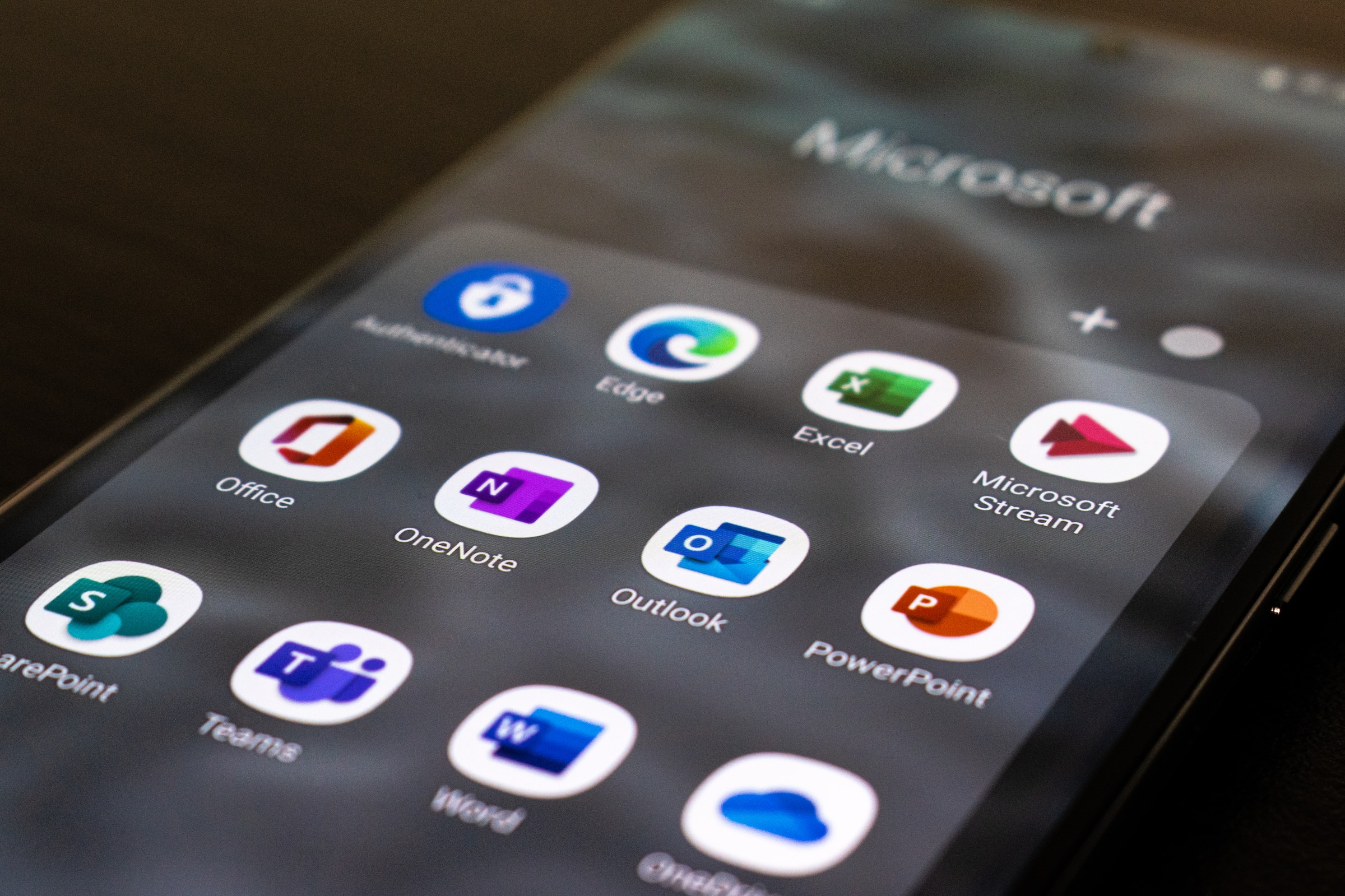
Microsoft Tools
OneDrive
- Étapes à suivre pour accéder à ton OneDrive (French only)
- Étapes pour créer un dossier dans OneDrive (French only)
- Modifier les autorisations dans OneDrive (French only)
Word
Technology at Work
The rapid evolution of technology offers a multitude of tools and resources. Choosing the right ones and using them effectively are essential to optimize teaching and learning.
Controlling Your Work Environment
Collège Boréal encourages instructional staff to use the following tools:
- Employee portal: Administrative task management (Human Resources)
- Outlook: Official communication from the College via email
- Brightspace: Access lesson plans and create newsletters
- Smart Board: Use interactive boards to share educational content
- Videoconferencing systems: Distance education
Independent Learning
Take advantage of the resources available to enhance your knowledge:
- CLIP resources, Antidote, electronic databases, LinkedIn Learning
- Open educational resources (OER) and online tools
Digital Information Security
Protect your data and digital identity by following these best practices:
- Create secure passwords: Make them complex and renew them regularly.
- Maintain security and confidentiality: Limit the distribution of personal information online.
- Apply cybersecurity rules: Stay vigilant against phishing.
- Report any virus risks: Contact the IT Centre.
By applying these recommendations, you will contribute to a rich and secure learning environment.